Is the cucu2 APK Safe to Install?
The cucu2 App is not listed on the Google Play Store — that is standard for licensed online casino platforms in Malaysia. The APK is built and signed by cucu2 directly, so you are installing from the official source. Below are the four key safety points you should know before you tap "Install."
Official Source Only
Always download cucu2.apk from cucu2.bet/cucu2-app/ or the direct link on this page. The file is served over HTTPS from cucu2's own hosting. Never install an APK forwarded via WhatsApp or third-party websites — those may be modified copies. The file size is exactly 52 MB; if what you downloaded is significantly larger or smaller, discard it and re-download.
SSL-Encrypted Connection
All traffic between the cucu2 App and our servers runs over TLS 1.3 encryption — the same standard used by Malaysian banks. Your login credentials, deposit requests, and account details are never sent in plain text. You can confirm the padlock icon in your browser before downloading to verify the connection is genuine.
Minimal Permissions Requested
The cucu2 App only requests permissions it actually needs: Internet access (to load games and process transactions), Storage (to cache game assets for faster loading), and Notifications (optional — for bonus alerts). It does not request access to your contacts, camera, or microphone. You can review and adjust permissions anytime in your phone's Settings app.
Verified Updates
When a new version is available, the cucu2 App will notify you within the app. To update, simply download the latest APK from this page and install it over the existing app — your account data and settings are preserved. The current version is 3.4.3, last updated 10 November 2026. Do not update from any source other than cucu2.bet.
System Requirements & Version Details
Check the table below before downloading. Most Android phones sold in Malaysia from 2020 onwards will meet these requirements without any issue.
Ready to Download?
Tap the button below to start downloading cucu2.apk directly to your phone. The file is free, 52 MB, and works on Android 10.0 or newer.
| Detail | Specification |
|---|---|
| App Version | 3.4.3 |
| File Name | cucu2.apk |
| File Size | 52 MB |
| Minimum Android | Android 10.0 |
| Last Updated | 10 November 2026 |
| Price | Free |
| Languages | English / Bahasa Melayu |
| Platform | Android (APK direct install) |
| iOS Support | Mobile browser (Add to Home Screen) |
What You Can Play in the cucu2 App
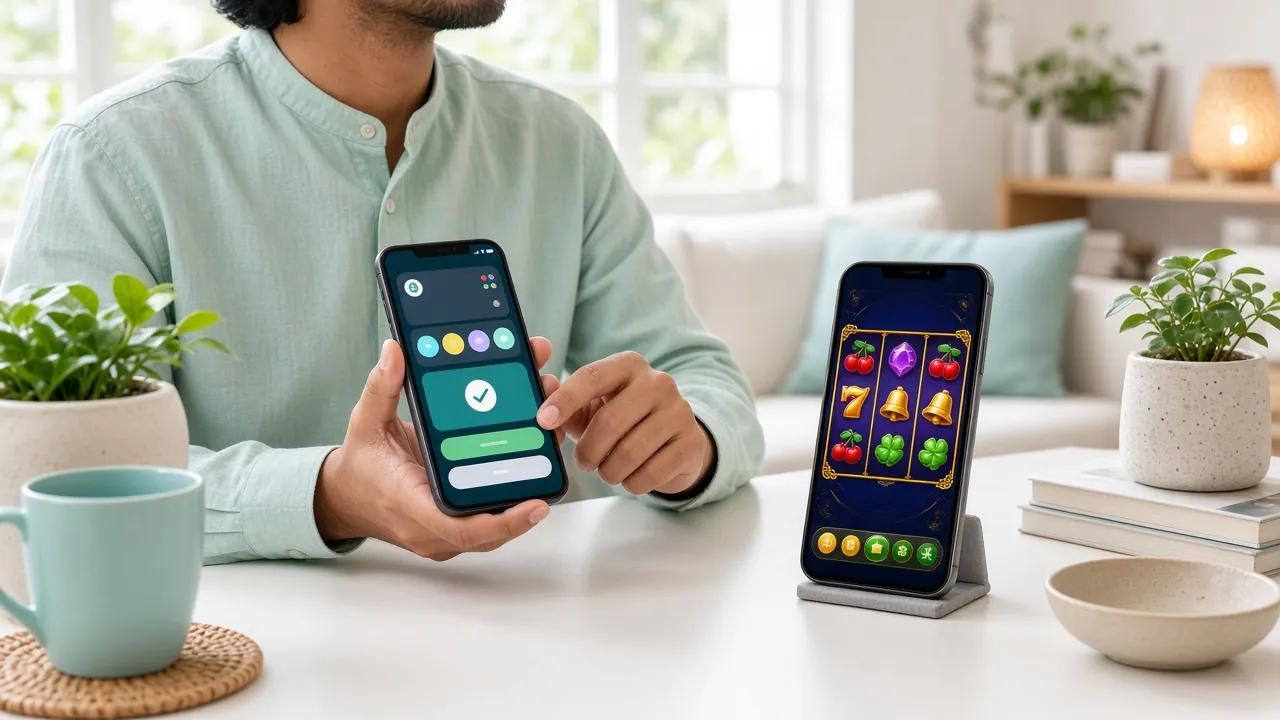
The cucu2 App gives you access to the same full lobby as the desktop site — over 2,600 games from FA Chai, Habanero, JILI, Pragmatic Play, and Sexy Gaming. Here is a breakdown of the main categories available on mobile.

Cocktail Nights

Teen Patti
Fishing Yi Lu Fa
Super Keno
Slots — 1,800+ Titles
From classic 3-reel machines to 243-way video slots, the cucu2 App loads slot games fast over mobile data. Popular picks include Monkey King, Dragon of Demons, and Monster Triple — all with RTP figures listed in the game lobby so you know what you're spinning.
Live Casino Tables
Sexy Gaming's live dealer studio streams Baccarat, Blackjack, and Dragon Tiger directly to your phone. The cucu2 App uses adaptive bitrate streaming so the video stays clear even on a 4G connection, with low-latency chat to the dealer during play.
Fishing Games
JILI's All-Star Fishing and Sexy Gaming's Fishing Yi Lu Fa are fully playable in the cucu2 App with touch controls optimised for Android. Bet from as little as RM0.10 per round. The tap-to-shoot mechanic works well on both small and large-screen Android phones.
Crash & Instant Win
Fast-round games like Crash and Mines are well-suited to mobile play — each round takes under 60 seconds. Cash out before the multiplier crashes to secure your winnings. These games are available without any browser plugin and work natively inside the cucu2 App.
Lottery & Keno
Habanero's Super Keno and Keno Bonus Number, plus Pragmatic Play's Pearls of Bingo, are all in the app. Pick your numbers, set your bet size, and watch the draws run automatically. Minimum bet on most Keno titles is RM2, making it accessible for casual sessions.
Promotions & Bonuses
The cucu2 App shows your active bonuses, wagering progress, and VIP tier status on the home screen. Deposit directly within the app via Touch 'n Go eWallet, DuitNow, FPX, or Bank Transfer. Your first deposit bonus of 175% (up to RM125) applies whether you sign up on mobile or desktop.
How to Install the cucu2 APK on Android
Android blocks APK installs from outside the Play Store by default. Follow these five steps to get the cucu2 App running — it takes about two minutes on most phones.
-
Allow Installs from Unknown SourcesGo to your phone's Settings → Security (or Privacy on newer Samsung and Xiaomi models) and enable Install Unknown Apps. On Android 12 and above, you will be prompted to grant this permission for your browser specifically when you tap Install — you don't need to dig into settings first. This setting applies per app, not globally, so enabling it for your browser doesn't open your whole phone.
-
Download cucu2.apk from This PageTap the Download APK button on this page using your phone's browser (Chrome, Samsung Internet, or Firefox all work). The 52 MB file will save to your Downloads folder. Make sure you have a stable Wi-Fi or 4G connection — a dropped download may result in a corrupted file. If the download pauses, tap it again from the notification bar to resume.
-
Open the Downloaded FileOnce downloaded, a notification will appear saying "cucu2.apk downloaded." Tap Open. Alternatively, open your phone's Files app, navigate to Downloads, and tap cucu2.apk. Android will show an installation screen with the app name and the permissions it requires. Review these — you should see Internet, Storage, and (optionally) Notifications only.
-
Tap Install and WaitTap the Install button on the installation screen. The process takes 10–30 seconds depending on your phone's storage speed. Do not lock your screen or switch apps during installation. Once done, you'll see "App installed" — tap Open to launch the cucu2 App immediately, or find the cucu2 icon in your app drawer for next time.
-
Log In or Register Your AccountOpen the cucu2 App and tap Log In if you have an existing account, or Register to create a new one. Registration takes under two minutes — you'll need a valid phone number and password. Once logged in, head to the Cashier tab to make your first deposit. The RM5 minimum deposit means you can get started without a big commitment. Need help? 24/7 Live Chat is accessible from the app's Help icon.
Scan to download cucu2.apk
iOS Users: Add cucu2 to Your Home Screen
Apple does not allow APK installs on iPhone or iPad. However, cucu2's mobile web version is fully optimised for Safari and can be added to your home screen for an app-like experience — no App Store required.
- Open Safari on your iPhone or iPad and go to cucu2.bet. Safari is required for this to work — Chrome on iOS does not support the Add to Home Screen shortcut properly.
- Tap the Share button (the box with an upward arrow) at the bottom of the Safari toolbar.
- Scroll down the Share Sheet and tap Add to Home Screen. You can rename the shortcut to "cucu2" if you wish.
- Tap Add in the top-right corner. The cucu2 icon will appear on your home screen immediately.
- Tap the cucu2 icon to open the site in full-screen mode. Log in with your existing account details — all features, including deposits and live games, work the same as the Android app.
cucu2 App vs Playing in Your Browser
Both options give you full access to your account and all games. The table below highlights the practical differences so you can decide which suits your setup.
| Feature | cucu2 App (APK) | Mobile Browser |
|---|---|---|
| Game loading speed | Faster — assets cached locally | Slightly slower on first load |
| Push notifications | Yes — bonus & payout alerts | Not available |
| Deposit & withdrawal | Full cashier in-app | Full cashier in browser |
| Live casino streaming | Optimised adaptive bitrate | Standard stream quality |
| Home screen icon | Native app icon | Bookmark or Add to Home Screen |
| Touch 'n Go / DuitNow | Supported | Supported |
| Offline access | App shell cached; games need internet | No offline access |
| Storage used | 52 MB installed | Browser cache only (~5 MB) |
| iOS support | Android only | Safari on iPhone/iPad |
| Account access | Full VIP & bonus dashboard | Full VIP & bonus dashboard |
Both the app and the browser version use the same account. You can switch between them freely — your balance, bonuses, and VIP progress are always in sync.
Fix Common cucu2 APK Install Errors
Most install failures have a simple fix. Check the table below before contacting Live Chat — the majority of problems can be sorted in under a minute.
| Problem | Likely Cause | How to Fix It |
|---|---|---|
| "Install blocked" message | Unknown Sources permission is off for your browser app | Go to Settings → Security → Install Unknown Apps, find your browser in the list, and toggle "Allow from this source" on. Then tap Install again on the APK file. |
| App crashes on launch | Incomplete or corrupted download | Delete the cucu2.apk file from your Downloads folder, then re-download it from this page on a stable Wi-Fi connection. Confirm the file is exactly 52 MB before installing. |
| "Insufficient storage" error | Less than 100 MB of free internal storage | Free up space by deleting unused apps or clearing app cache (Settings → Storage → Cached Data). The cucu2 App needs 52 MB to install plus roughly 30 MB of working space for game assets. |
| White or blank screen after opening | Outdated Android WebView component | Open the Play Store, search "Android System WebView," and tap Update. This component powers in-app web content. After updating WebView, force-close the cucu2 App and reopen it. |
| Games load slowly or freeze | Weak mobile data signal or background apps using bandwidth | Switch to Wi-Fi if possible, or move to an area with better 4G coverage. Close other streaming or social media apps running in the background. You can also lower the game graphics quality in the cucu2 App's Settings menu. |
Still stuck? Our 24/7 Live Chat team can walk you through installation in real time. Tap the chat icon inside the app or visit cucu2.bet and click Live Support.
Once you have the app installed, these pages will help you get started:
Questions About the cucu2 App
1 Is the cucu2 APK safe — could it contain malware?
2 My phone says "Install not allowed" — what do I do?
3 How do I update the cucu2 App when a new version comes out?
4 Can I use the same account on multiple devices?
5 Does the cucu2 App work on older Android phones?
6 How much mobile data does playing on the cucu2 App use?
7 What payment methods can I use inside the cucu2 App?
Need Help Right Now?
Our support team is available around the clock. Tap the Live Chat icon inside the cucu2 App or visit cucu2.bet to start a conversation — average response time is under 2 minutes.
- 24/7 Live Chat support
- Install troubleshooting
- Deposit & withdrawal help
- Account verification guidance
18+ & Responsible Play
The cucu2 App is for players aged 18 and above only. Set daily deposit limits directly in the app under Account → Responsible Gaming. If you feel your play is becoming a concern, use the self-exclusion tool or contact our support team.
Read our Responsible Gaming guidelinesGet the cucu2 App on Your Phone Today
52 MB, free, and ready in two minutes. Over 2,600 games, Touch 'n Go deposits from RM5, and withdrawals processed in 15 minutes. Your first deposit earns a 175% bonus up to RM125.
18+ · Play Responsibly · Android 10.0+ required
- SSL Encrypted
- Android 10.0+
- 24/7 Live Chat
- Touch 'n Go & DuitNow
- 18+ Only